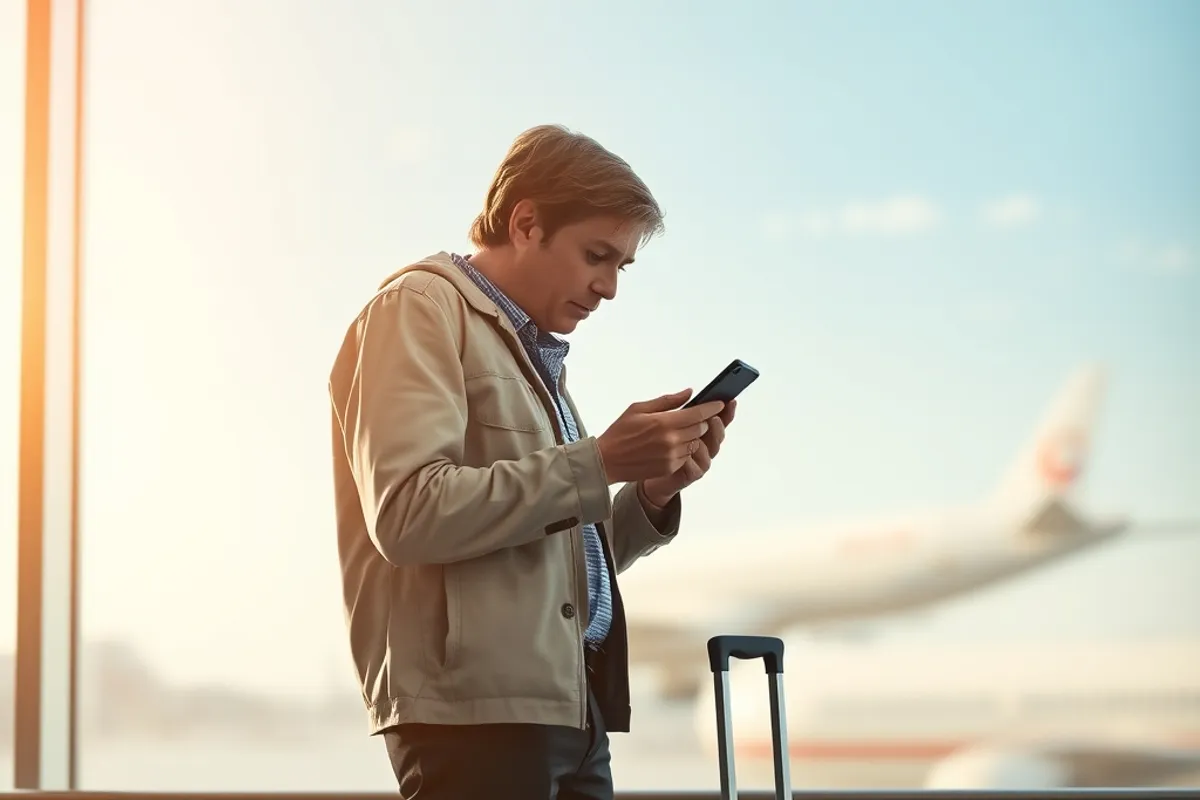
A modern trip runs through one device: boarding pass, map, translation, payment and camera. That concentration is convenient until the battery dies in a queue or the roaming charge arrives a month later.
We tested the current travel tech on a two-week rail trip and a week of lake driving, with a mid-range phone and no special equipment. These are the settings, apps and habits that made a measurable difference, and the ones that are mostly marketing.
Key facts
- An eSIM usually activates before departure; install it at home, then switch data on when you land.
- Offline map regions must be downloaded on Wi-Fi and refreshed every few weeks.
- Airplane mode plus low-power mode roughly doubles standby time in weak-signal areas.
- A 10,000 mAh power bank is the practical limit for cabin bags on most airlines.
- Hotel Wi-Fi is often slower than mobile data; check before uploading a day of photos.
eSIM setup without the airport panic
An eSIM is a downloadable profile that gives your phone a local data plan without a plastic card. Install it before you leave, label it clearly, and leave it switched off until you land. The common mistake is activating at home and burning the first day of the plan before departure.
Check three things before buying: whether your phone is carrier-unlocked, whether the plan covers the countries you will actually visit, and whether it includes voice calls or data only. Data-only is fine for most trips if you use messaging apps, but you need a plan with calls for restaurant bookings and local SIM verification.
Offline maps that work when the signal does not
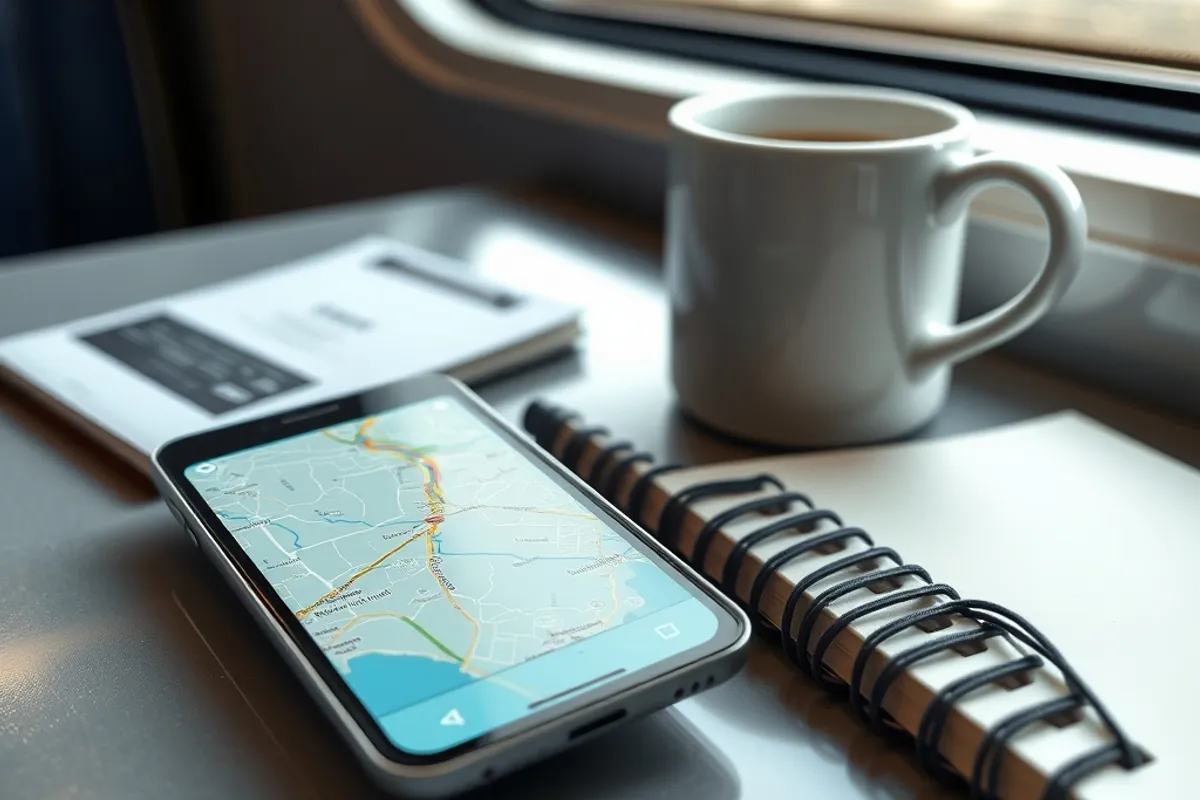
Download the map region for each stop while you are on reliable Wi-Fi, then open it once to confirm the download. Offline maps cover roads, walking paths and many transit stops, but they do not always include live opening hours, ticket prices or ferry timetables.
Save the key addresses as favourites before you leave: hotel, station, trailhead, nearest pharmacy. Add a screenshot of the walking route from the station to the hotel. The first ten minutes in a new city are when a dead phone is most expensive, and a screenshot costs nothing.
Battery: the real bottleneck
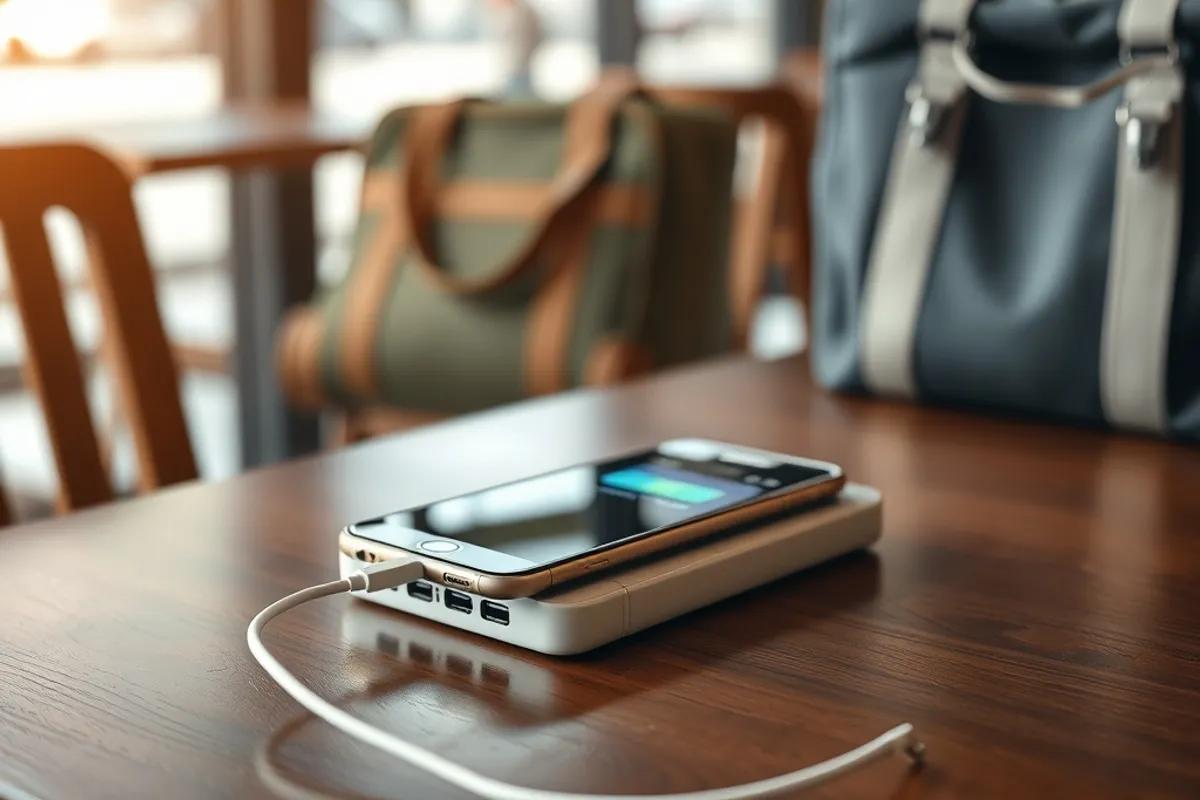
Cold weather, weak signal, camera use and map rendering drain a phone faster than any app category. Turn off background refresh for everything you do not need, keep brightness manual, and use airplane mode in poor-coverage areas. A phone searching for signal is a phone burning battery.
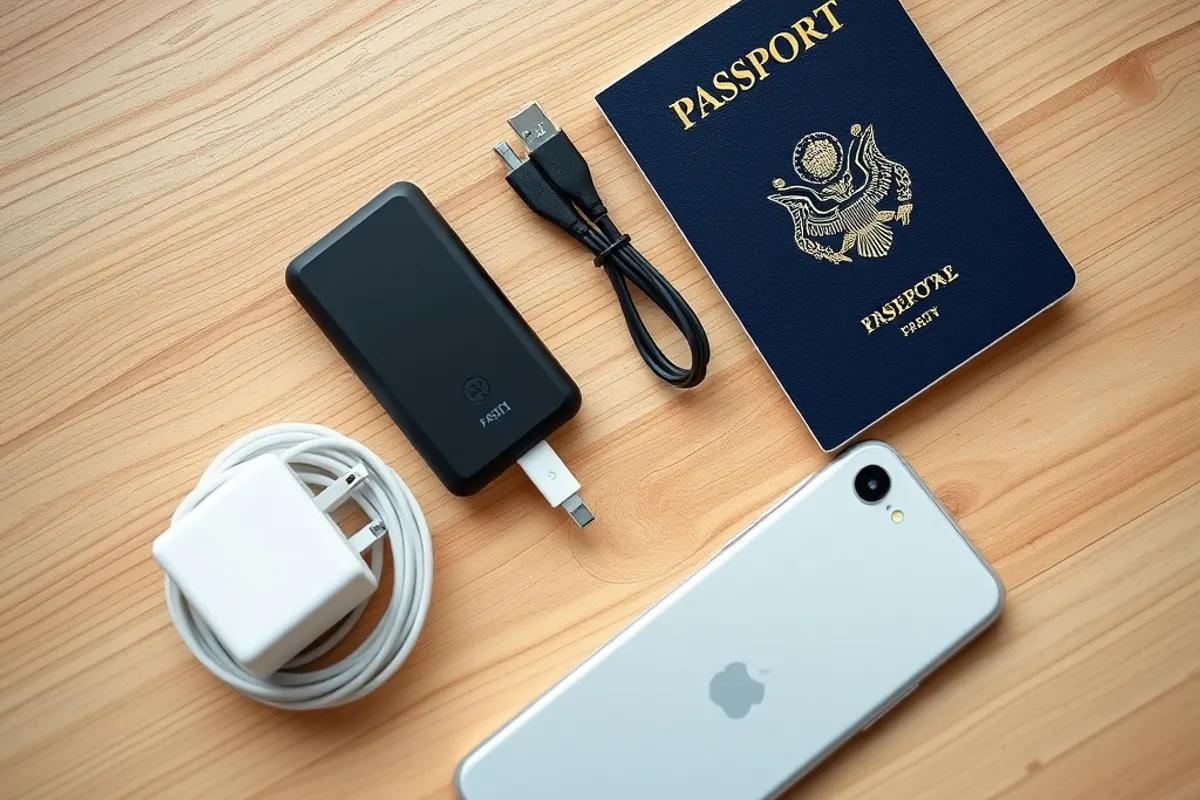
Carry a 10,000 mAh power bank and a short cable, not a bulky charger you will leave in the room. Charge during meals and transfers rather than waiting for the evening. If you rely on your phone as a camera, consider a small dedicated camera for the days when photos matter most.
Roaming, local SIMs and the cost traps
Roaming rules vary by home country and destination. A plan that is generous in one region can be expensive in another, and cruise ships and ferries often sit outside normal coverage. Read the fair-use limit, not just the headline data allowance.
If you use a local physical SIM, keep your home SIM active for bank verification but disable data roaming on it. Two active lines can confuse the phone about which one carries data. Label the lines in settings so you do not answer a work call at local rates.
The best travel gadget is a phone with 40% battery and a map that works without a signal.
Photos, storage and the upload problem
A week of photographs and short videos can fill a 128 GB phone. Turn on automatic cloud backup only when you have Wi-Fi you trust, and keep a small USB-C drive or a second device as a backup. Losing a day of rail photos is worse than carrying an extra cable.
Export the best images each evening rather than at the end of the trip. It takes five minutes, catches corrupt files early, and gives you something to share when the hotel Wi-Fi is too slow for a full backup. Label folders by place and date while you still remember.
A practical kit that fits in one pouch
Our kit is deliberately small: a 10,000 mAh power bank, a 30 cm USB-C cable, a compact multi-port charger, a plug adapter, a cheap phone stand and a microfiber cloth. Total weight is under 400 grams, and it covers a week of normal use.
Skip the gadget that promises to translate, project or charge three devices at once. One reliable cable and one honest battery will do more for a trip than a bag of single-purpose accessories. The best travel technology is the kind you stop noticing.
Official source: gsma.com.